
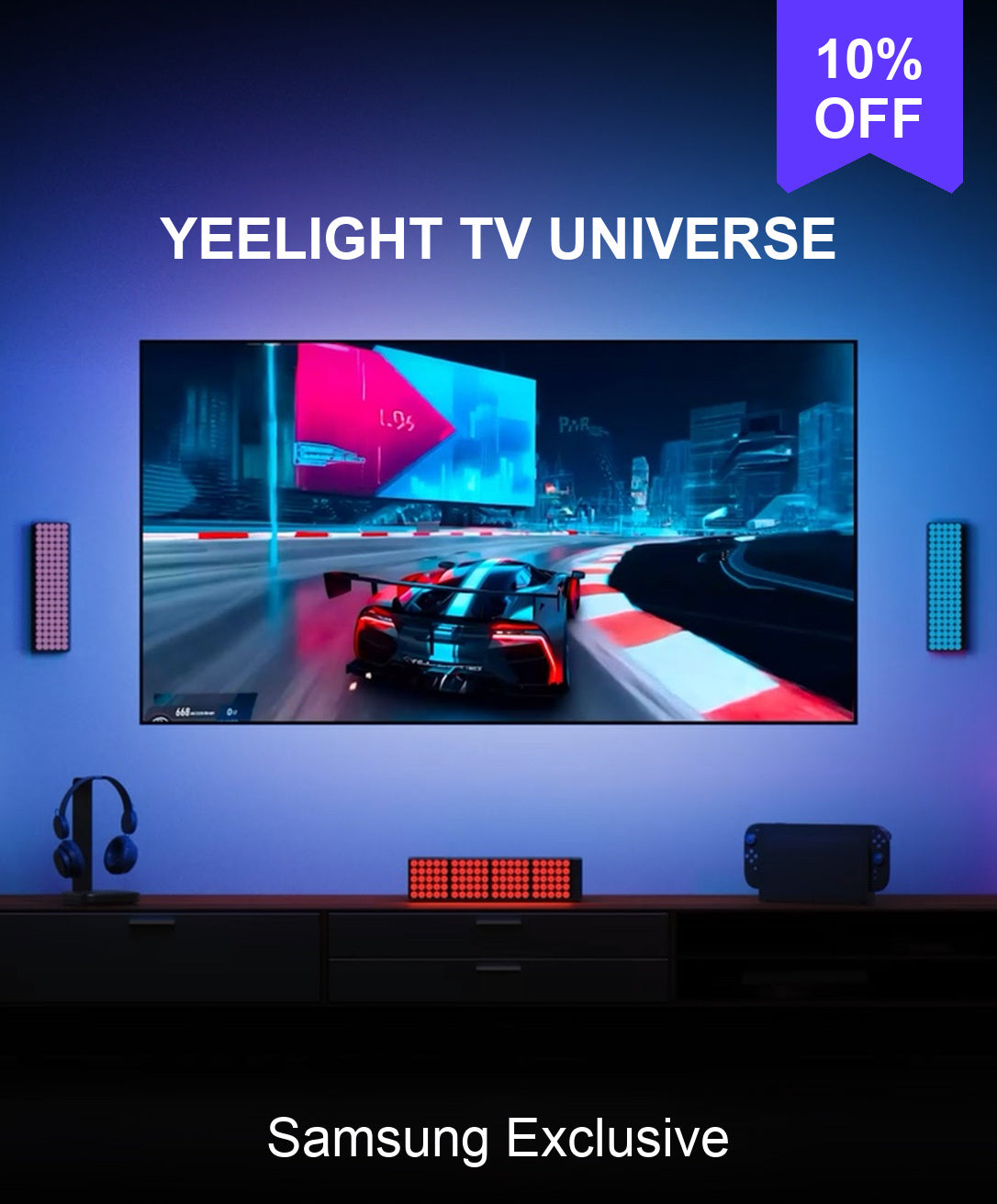




Samsung TV Sync Ecosystem Kit VS
Shipping
Order will typically be processed within 24 hours.
Estimated Shipping Time:
- USA:3-7 Business Days
- Europe: 7-10 Business Days
Compatibility
Row content
- 【Geen bridge/synchronisatiebox/camera/extra kabel nodig voor Samsung Smart TV-synchronisatie】Maak van films, programma's en games een meeslepende ervaring met op software gebaseerde schermkleurkeuze. De achtergrondverlichting volgt de kleuren op het scherm zonder camera, Hue Bridge of Sync Box. Opmerking: zorg ervoor dat u de app Yeelight op tv kunt downloaden. Beschikbaarheid kan variëren per tv-model en regio.
- 【Geschikt voor tv’s van 81,28 cm (32″)–254 cm (100″)】De meegeleverde LED-strip van 2 m is geschikt voor achtergrondverlichting van tv’s van 81,28 cm (32″)–109,22 cm (43″). Voeg voor grotere tv’s de afzonderlijk verkrijgbare uitbreidingsset toe: 1 set voor tv’s van 139,7 cm (55″) of 165,1 cm (65″), 2 sets voor tv’s van 190,5 cm (75″) of 215,9 cm (85″), en 3 sets voor tv’s van 248,92 cm (98″) of 254 cm (100″). ASIN van de uitbreidingsset: B0HF4C8FF1. Kies het benodigde aantal op basis van het formaat van uw tv. De flexibele zwarte basis bevindt zich onopvallend achter uw tv en de gemarkeerde knippunten helpen om de lengte aan te passen. Alleen voor gebruik binnenshuis. Afgeknipte delen kunnen niet opnieuw worden verbonden.
- 【Eenvoudige app-installatie】Installeer de Yeelight TV-app op uw compatibele Samsung TV en verbind vervolgens de TV en LED-strip met hetzelfde netwerk. Gebruik de app Yeelight via 2.4 GHz Wi-Fi en Bluetooth om uw verlichting in te stellen en te bedienen. Controller, kabels, voedingsadapter en zelfklevende achterkant zijn inbegrepen.
- 【Slimme app en stembediening】Pas kleuren, helderheid, effecten en scènes aan in de app Yeelight. Dankzij de compatibiliteit met Matter kunt u verbinding maken met compatibele smarthome-platforms, waaronder Apple Home, Google Home, Amazon Alexa en SmartThings.
- 【16 Miljoen kleuren en dynamische effecten】 Creëer de sfeer voor filmavonden, games, feestjes of alledaagse decors met 16 miljoen kleuren en effecten zoals kleurencycli, pulserende, achtervolgende en vloeiende patronen.
- 【Individuele LED Controle en Pixel Graffiti】Pas individuele LED kralen aan om je eigen kleuren, patronen en animaties te creëren. Maak Pixel Graffiti-effecten die passen bij uw kamer, entertainmentopstelling of stemming.
- 【Geluidsreactieve muziek- en gamesynchronisatie】 Laat de verlichting reageren op omgevingsgeluid, muziek, films en games. Kies modi zoals Breath, Shine, Spectrum en Converge voor een meer dynamische sfeer.


FAQ
Is my Samsung TV compatible?
Samsung TV models from 2022–2026 are supported. Before purchasing, check your TV’s model year and confirm that the Yeelight sync app can be installed and run on your TV.
Why can I control the light strip with the button but not sync it with my TV?
Check that your Samsung TV is compatible and that the correct Yeelight apps are installed on your TV and phone. Then follow the pairing instructions in the apps. If syncing still does not work, check your network connection and try pairing again.
Why has the TV app disappeared or stopped working after a TV firmware update?
A Samsung Tizen firmware update may affect the availability or compatibility of the Yeelight sync app. If the problem started after an update, contact us with your TV model, firmware version, and a screenshot of any error message so we can help investigate. This does not necessarily mean the light strip is faulty.
What should I do if the lights lag, change colors abruptly, or flicker?
Make sure all light strip connectors are secure, then restart the light strip and check your network connection. Also, confirm that the total light strip length set in the TV app matches the actual connected length. If the issue continues, contact us for further troubleshooting.
Why isn’t my extension strip lighting up?
Check that the “Light Strip Length” setting in the TV app matches the total length of all connected strips. Also, make sure the extension strip is firmly connected.
Can I install the light strip around all four sides of my TV?
The light strip supports syncing along the top, left, and right edges of your TV. The bottom edge is not supported as a fourth sync zone. Follow the product’s installation guide and use a layout supported by the TV app.
How much light strip do I need, and can I add extensions?
Measure along the top, left, and right edges where the strip will be installed, rather than around the full TV perimeter.
The main strip is 2 meters long and supports up to three extension packs, for a maximum total length of 5 meters. Included items vary by kit size and version, so check the product page and your order details before purchasing. Compatible extension packs can be purchased separately if you need additional length.
If the items you receive do not match your order, contact us with your order number.
How should I install the light strip and route it around corners?
Remove dust and grease from the mounting surface and let it dry completely before installation. Press the strip firmly into place and follow the illustrated installation guide when routing it around corners. If you need a copy of the guide or help with a particular corner, contact us before installation.
Why has only part of my order arrived?
Some orders may arrive in more than one parcel. If you have received only part of your order or cannot find tracking information for the remaining items, contact us with your order number. We’ll check the shipment status and help you locate the rest of your order.
You may also like
Combine your style with these products
-
80%OFF

 Yeelight Permanente buitenverlichting Vanaf $9.99$49.99/
-
65%OFF

 Yeelight feestelijke lichtslinger Vanaf $21.00$59.99/
-
13%OFF

 Yeelight RGBIC LED Basis stripverlichting Vanaf $12.99$14.99/
-
30%OFF

 Yeelight LED Light Strip Pro Vanaf $11.89$16.99/


