
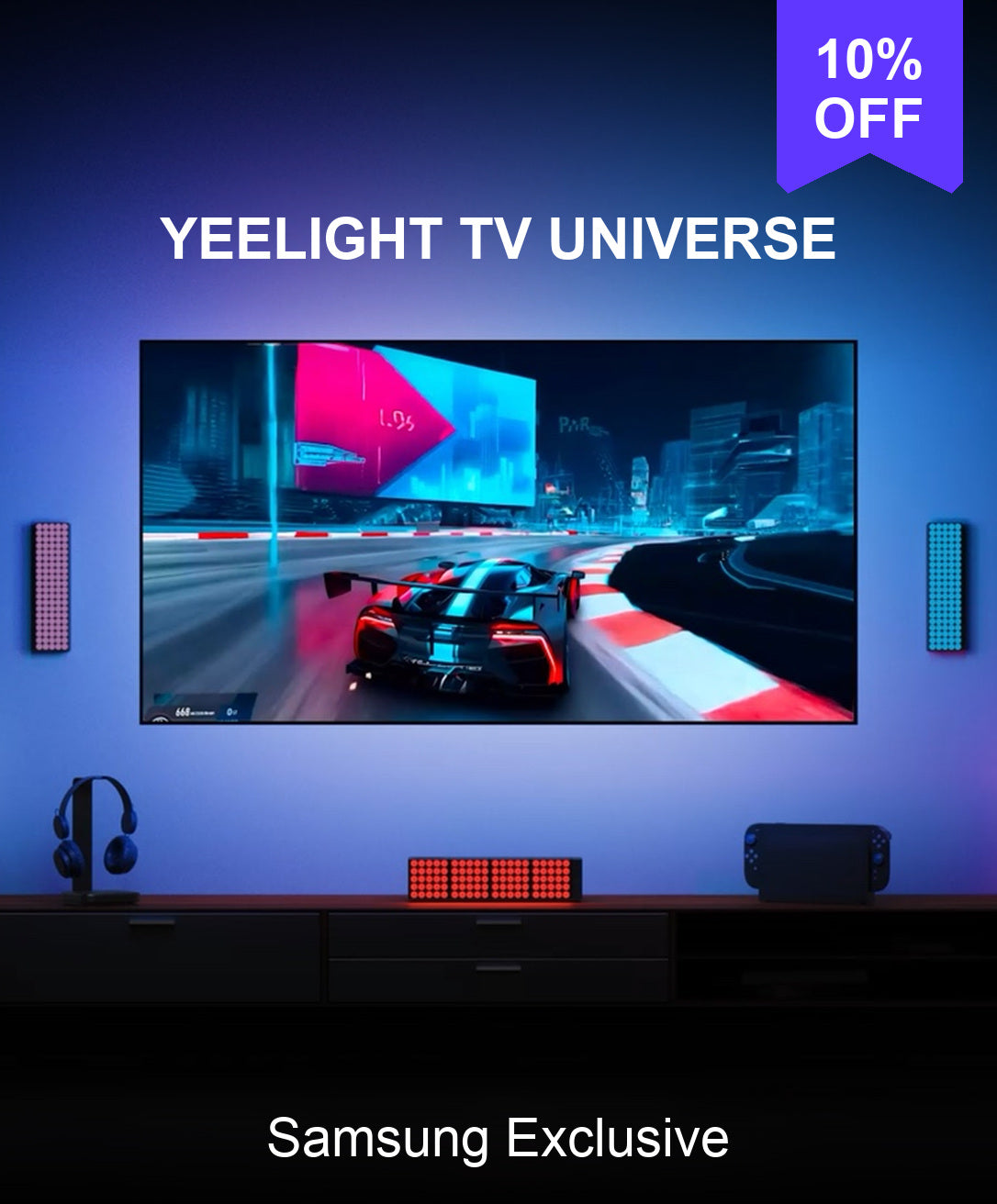


Samsung TV Sync Ecosystem Kit US
Shipping
Order will typically be processed within 24 hours.
Estimated Shipping Time:
- USA:3-7 Business Days
- Europe: 7-10 Business Days
Compatibility
Row content
- 【No Bridge/ Sync Box/ Camera/ Extra Cable Needed for Samsung Smart TV Sync】Turn movies, shows, and games into a more immersive experience with software-based screen color picking. The backlight follows on-screen colors without a camera, Hue Bridge, or Sync Box. Note: Make sure you could download the Yeelight App on TV. Availability may vary by TV model and region.
- 【Flexible Fit for 32"–100" TVs】The included 6.56 ft LED strip fits 32"–43" TV-backlight setups. For larger TVs, add the separately sold Extension Kit: 1 kit for 55" or 65" TVs, 2 kits for 75" or 85" TVs, and 3 kits for 98" or 100" TVs. Extension Kit ASIN: B0HF4C8FF1. Choose the required quantity based on your TV size. The flexible black base sits discreetly behind your TV, and marked cut points help tailor the length. Indoor use only. Cut sections cannot be reconnected.
- 【Easy App Setup】Install the Yeelight TV app on your compatible Samsung TV, then connect the TV and LED strip to the same network. Use the Yeelight app over 2.4 GHz Wi-Fi and Bluetooth to set up and control your lighting. Controller, cables, power adapter, and adhesive backing are included.
- 【Smart App and Voice Control】Adjust colors, brightness, effects, and scenes in the Yeelight app. Matter compatibility lets you connect with compatible smart-home platforms, including Apple Home, Google Home, Amazon Alexa, and SmartThings.
- 【16 Million Colors and Dynamic Effects】Set the mood for movie nights, gaming, parties, or everyday decor with 16 million colors and effects such as color cycling, pulsing, chasing, and flowing patterns.
- 【Individual LED Control and Pixel Graffiti】Customize individual LED beads to create your own colors, patterns, and animations. Make Pixel Graffiti effects that fit your room, entertainment setup, or mood.
- 【Sound-Reactive Music and Game Sync】Make the lighting respond to surrounding sound, music, movies, and games. Choose modes such as Breath, Shine, Spectrum, and Converge for a more dynamic atmosphere.


FAQ
Is my Samsung TV compatible?
Samsung TV models from 2022–2026 are supported. Before purchasing, check your TV’s model year and confirm that the Yeelight sync app can be installed and run on your TV.
Why can I control the light strip with the button but not sync it with my TV?
Check that your Samsung TV is compatible and that the correct Yeelight apps are installed on your TV and phone. Then follow the pairing instructions in the apps. If syncing still does not work, check your network connection and try pairing again.
Why has the TV app disappeared or stopped working after a TV firmware update?
A Samsung Tizen firmware update may affect the availability or compatibility of the Yeelight sync app. If the problem started after an update, contact us with your TV model, firmware version, and a screenshot of any error message so we can help investigate. This does not necessarily mean the light strip is faulty.
What should I do if the lights lag, change colors abruptly, or flicker?
Make sure all light strip connectors are secure, then restart the light strip and check your network connection. Also, confirm that the total light strip length set in the TV app matches the actual connected length. If the issue continues, contact us for further troubleshooting.
Why isn’t my extension strip lighting up?
Check that the “Light Strip Length” setting in the TV app matches the total length of all connected strips. Also, make sure the extension strip is firmly connected.
Can I install the light strip around all four sides of my TV?
The light strip supports syncing along the top, left, and right edges of your TV. The bottom edge is not supported as a fourth sync zone. Follow the product’s installation guide and use a layout supported by the TV app.
How much light strip do I need, and can I add extensions?
Measure along the top, left, and right edges where the strip will be installed, rather than around the full TV perimeter.
The main strip is 2 meters long and supports up to three extension packs, for a maximum total length of 5 meters. Included items vary by kit size and version, so check the product page and your order details before purchasing. Compatible extension packs can be purchased separately if you need additional length.
If the items you receive do not match your order, contact us with your order number.
How should I install the light strip and route it around corners?
Remove dust and grease from the mounting surface and let it dry completely before installation. Press the strip firmly into place and follow the illustrated installation guide when routing it around corners. If you need a copy of the guide or help with a particular corner, contact us before installation.
Why has only part of my order arrived?
Some orders may arrive in more than one parcel. If you have received only part of your order or cannot find tracking information for the remaining items, contact us with your order number. We’ll check the shipment status and help you locate the rest of your order.
You may also like
Combine your style with these products
-
80%OFF

 Yeelight Permanent Outdoor Lights Da $9.99$49.99/
-
13%OFF

 Yeelight RGBIC LED Basic Strip Lights Da $12.99$14.99/
-
30%OFF

 Yeelight LED Light Strip Pro Da $11.89$16.99/
-
13%OFF

 Yeelight Obsid RGBIC Light Strip Extension Pack $13.99$15.99/


