




Samsung TV Sync Ökosystem-Kit US
Shipping
Order will typically be processed within 24 hours.
Estimated Shipping Time:
- USA:3-7 Business Days
- Europe: 7-10 Business Days
Compatibility
Row content
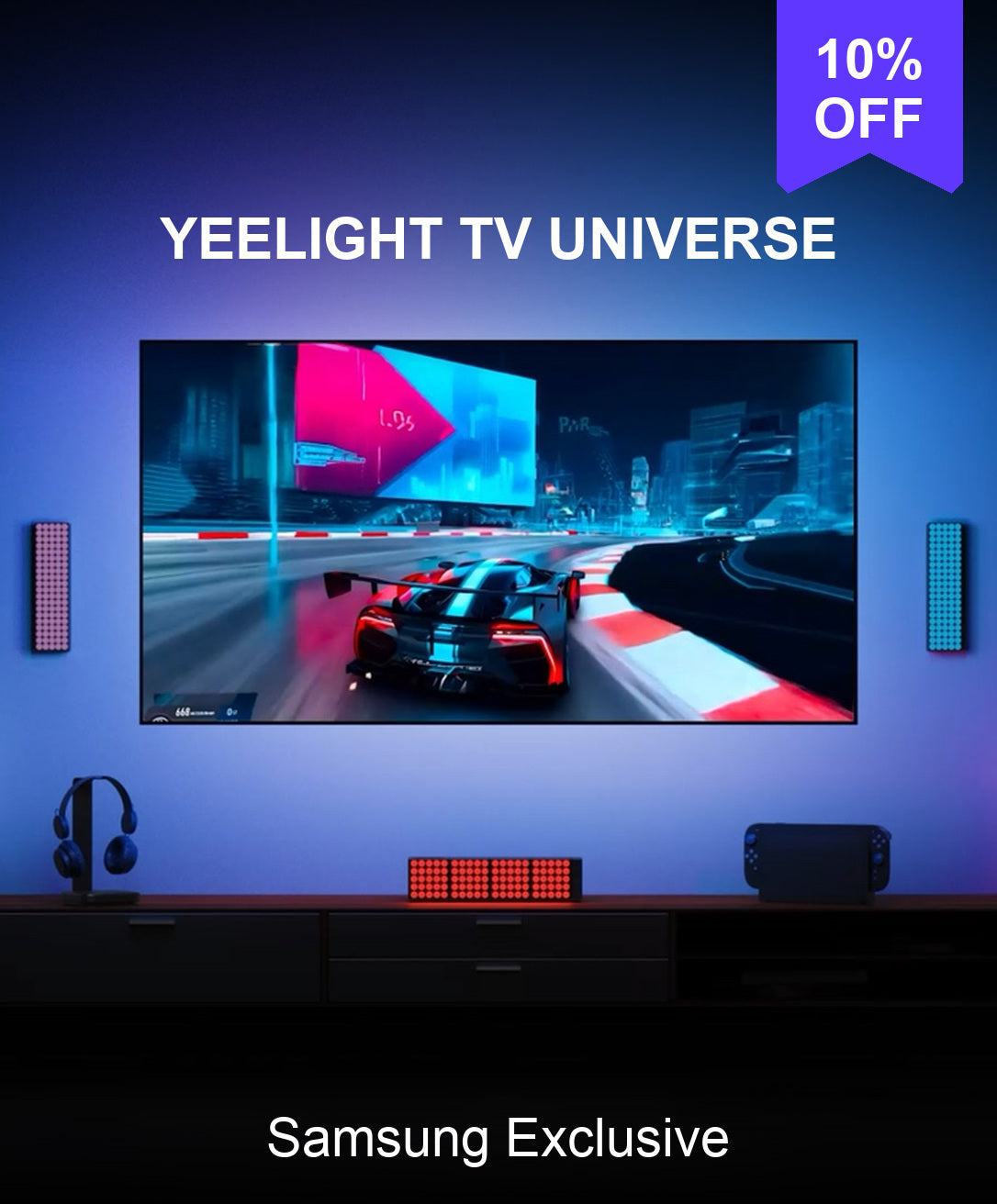
- 【Keine Bridge/Sync-Box/Kamera/zusätzliches Kabel für die Synchronisierung mit Samsung Smart-TVs erforderlich】Verwandeln Sie Filme, Serien und Spiele mit softwarebasierter Bildschirmfarbübernahme in ein immersiveres Erlebnis. Die Hintergrundbeleuchtung passt sich den Farben auf dem Bildschirm an – ganz ohne Kamera, Hue Bridge oder Sync-Box. Hinweis: Stellen Sie sicher, dass Sie die Yeelight-App auf Ihrem Fernseher herunterladen können. Die Verfügbarkeit kann je nach TV-Modell und Region variieren.
- 【Flexible Passform für 32- bis 254 cm (100″)-Fernseher】Der mitgelieferte 6,56-Fuß-LED-Streifen eignet sich für die Hintergrundbeleuchtung von 32- bis 109,22 cm (43″)-Fernsehern. Für größere Fernseher fügen Sie das separat erhältliche Erweiterungsset hinzu: 1 Set für 55- oder 165,1 cm (65″)-Fernseher, 2 Sets für 75- oder 215,9 cm (85″)-Fernseher und 3 Sets für 98- oder 254 cm (100″)-Fernseher. ASIN des Erweiterungssets: B0HF4C8FF1. Wählen Sie die erforderliche Menge entsprechend Ihrer TV-Größe. Die flexible schwarze Basis sitzt unauffällig hinter Ihrem Fernseher, und markierte Schnittstellen ermöglichen eine individuelle Anpassung der Länge. Nur für den Innenbereich. Abgeschnittene Abschnitte können nicht wieder verbunden werden.
- 【Einfache App-Einrichtung】Installieren Sie die Yeelight-TV-App auf Ihrem kompatiblen Samsung-Fernseher und verbinden Sie anschließend den Fernseher und den LED-Streifen mit demselben Netzwerk. Verwenden Sie die Yeelight-App über 2,4-GHz-WLAN und Bluetooth, um Ihre Beleuchtung einzurichten und zu steuern. Controller, Kabel, Netzteil und Klebefolie sind im Lieferumfang enthalten.
- 【Smarte App und Sprachsteuerung】Passen Sie Farben, Helligkeit, Effekte und Szenen in der Yeelight-App an. Dank Matter-Kompatibilität können Sie das System mit kompatiblen Smart-Home-Plattformen wie Apple Home, Google Home, Amazon Alexa und SmartThings verbinden.
- 【16 Millionen Farben und dynamische Effekte】Schaffen Sie mit 16 Millionen Farben und Effekten wie Farbwechseln, Pulsieren, Verfolgungseffekten und fließenden Mustern die perfekte Stimmung für Filmabende, Gaming, Partys oder die alltägliche Dekoration.
- 【Individuelle LED-Steuerung und Pixel-Graffiti】Passen Sie einzelne LEDs an, um eigene Farben, Muster und Animationen zu erstellen. Gestalten Sie Pixel-Graffiti-Effekte, die zu Ihrem Raum, Ihrem Entertainment-Setup oder Ihrer Stimmung passen.
- 【Tonreaktive Synchronisierung mit Musik und Spielen】Lassen Sie die Beleuchtung auf Umgebungsgeräusche, Musik, Filme und Spiele reagieren. Wählen Sie Modi wie Atem, Leuchten, Spektrum und Converge für eine dynamischere Atmosphäre.


FAQ
Is my Samsung TV compatible?
Samsung TV models from 2022–2026 are supported. Before purchasing, check your TV’s model year and confirm that the Yeelight sync app can be installed and run on your TV.
Why can I control the light strip with the button but not sync it with my TV?
Check that your Samsung TV is compatible and that the correct Yeelight apps are installed on your TV and phone. Then follow the pairing instructions in the apps. If syncing still does not work, check your network connection and try pairing again.
Why has the TV app disappeared or stopped working after a TV firmware update?
A Samsung Tizen firmware update may affect the availability or compatibility of the Yeelight sync app. If the problem started after an update, contact us with your TV model, firmware version, and a screenshot of any error message so we can help investigate. This does not necessarily mean the light strip is faulty.
What should I do if the lights lag, change colors abruptly, or flicker?
Make sure all light strip connectors are secure, then restart the light strip and check your network connection. Also, confirm that the total light strip length set in the TV app matches the actual connected length. If the issue continues, contact us for further troubleshooting.
Why isn’t my extension strip lighting up?
Check that the “Light Strip Length” setting in the TV app matches the total length of all connected strips. Also, make sure the extension strip is firmly connected.
Can I install the light strip around all four sides of my TV?
The light strip supports syncing along the top, left, and right edges of your TV. The bottom edge is not supported as a fourth sync zone. Follow the product’s installation guide and use a layout supported by the TV app.
How much light strip do I need, and can I add extensions?
Measure along the top, left, and right edges where the strip will be installed, rather than around the full TV perimeter.
The main strip is 2 meters long and supports up to three extension packs, for a maximum total length of 5 meters. Included items vary by kit size and version, so check the product page and your order details before purchasing. Compatible extension packs can be purchased separately if you need additional length.
If the items you receive do not match your order, contact us with your order number.
How should I install the light strip and route it around corners?
Remove dust and grease from the mounting surface and let it dry completely before installation. Press the strip firmly into place and follow the illustrated installation guide when routing it around corners. If you need a copy of the guide or help with a particular corner, contact us before installation.
Why has only part of my order arrived?
Some orders may arrive in more than one parcel. If you have received only part of your order or cannot find tracking information for the remaining items, contact us with your order number. We’ll check the shipment status and help you locate the rest of your order.