
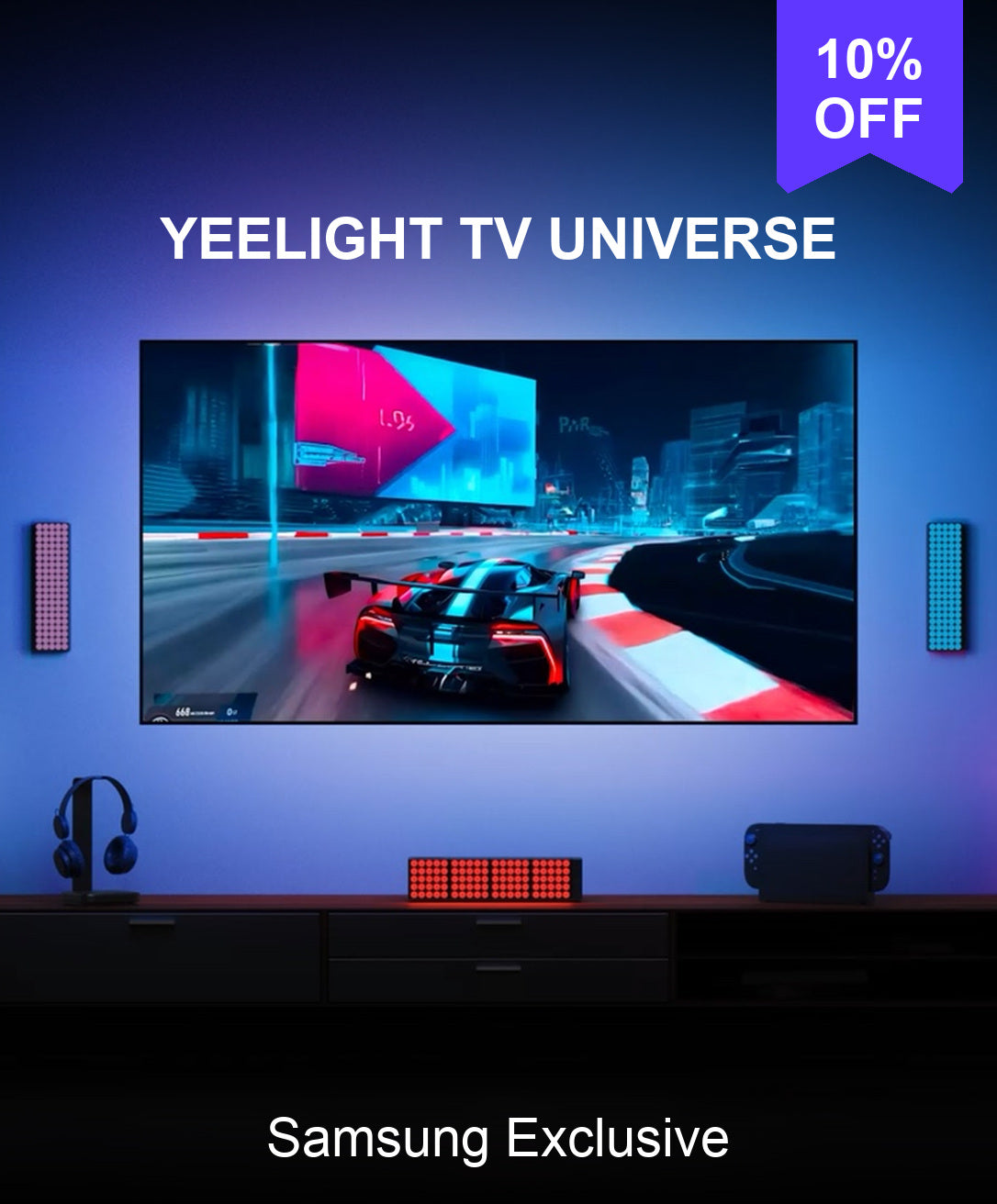


Yeelight Obsid RGBIC Light Strip US
Shipping
Order will typically be processed within 24 hours.
Estimated Shipping Time:
- USA:3-7 Business Days
- Europe: 7-10 Business Days
Compatibility
Row content
- 16 million colors RGBIC, silky addressable effects
- Tunable whites for daily use
- Dazzling preset lighting effects
- Pixel level DIY & control
- Sleek black base, concealing on any dark gadgets
- Sync with music, screen colors, and games
- Compatible with Matter for Apps and voice control
- Trimmable & Extendable to 16.4 ft
- Ensure you include at least one Standard pack with a control box in your order.
- Each Standard pack can support a maximum of 3 Extension packs .


FAQ
Is my Samsung TV compatible?
Samsung TV models from 2022–2026 are supported. Please check your TV’s model year and confirm that the corresponding Yeelight sync app can be installed and run on your TV.
What should I do if the lights lag, change colors abruptly, or flicker?
Make sure all light strip connectors are securely connected. Then try restarting the light strip, checking your network connection, and resetting the device if needed. Also, make sure the total light strip length set in the app matches the actual connected length.
My extension strip isn’t lighting up. Do I need to adjust any settings?
Check that the “Light Strip Length” setting in the TV app matches the total length of all connected strips. Also, make sure the extension strip is firmly connected.
Can I install the light strip around all four sides of my TV?
The light strip supports syncing along the left, right, and top edges of your TV. The bottom edge is not supported as a fourth sync zone. Follow the current product instructions and use a layout supported by the app.
Can I add extensions if the light strip isn’t long enough?
Yes. The main light strip is 2 meters long and supports up to three extension packs, for a maximum total length of 5 meters. Package contents vary by size and version, so check the current product page and the included items before purchasing.
Measure along the left, right, and top edges of your TV where the strip will be installed. Do not use the full four-sided perimeter to estimate the length needed for syncing.
You may also like
Combine your style with these products
-
13%OFF

 Yeelight RGBIC LED Basic Strip Lights From $12.99$14.99/
-
30%OFF

 Yeelight LED Light Strip Pro From $11.89$16.99/
-
13%OFF

 Yeelight Obsid RGBIC Light Strip Extension Pack $13.99$15.99/
-
33%OFF

 Yeelight Smart Dimmable Bulb W3- 4pack $39.99$59.99/


